Thumbnails that stand out in the feed.
Thumbnail Studio shows your thumbnail where viewers actually decide: on a phone, on the desktop home page and in Up next, in light and dark mode. It tells you what still reads when it's small, makes better versions with AI, and puts the one you pick on YouTube in a click.
7-day free trial on Creator · Works with your own uploads · Cancel anytime
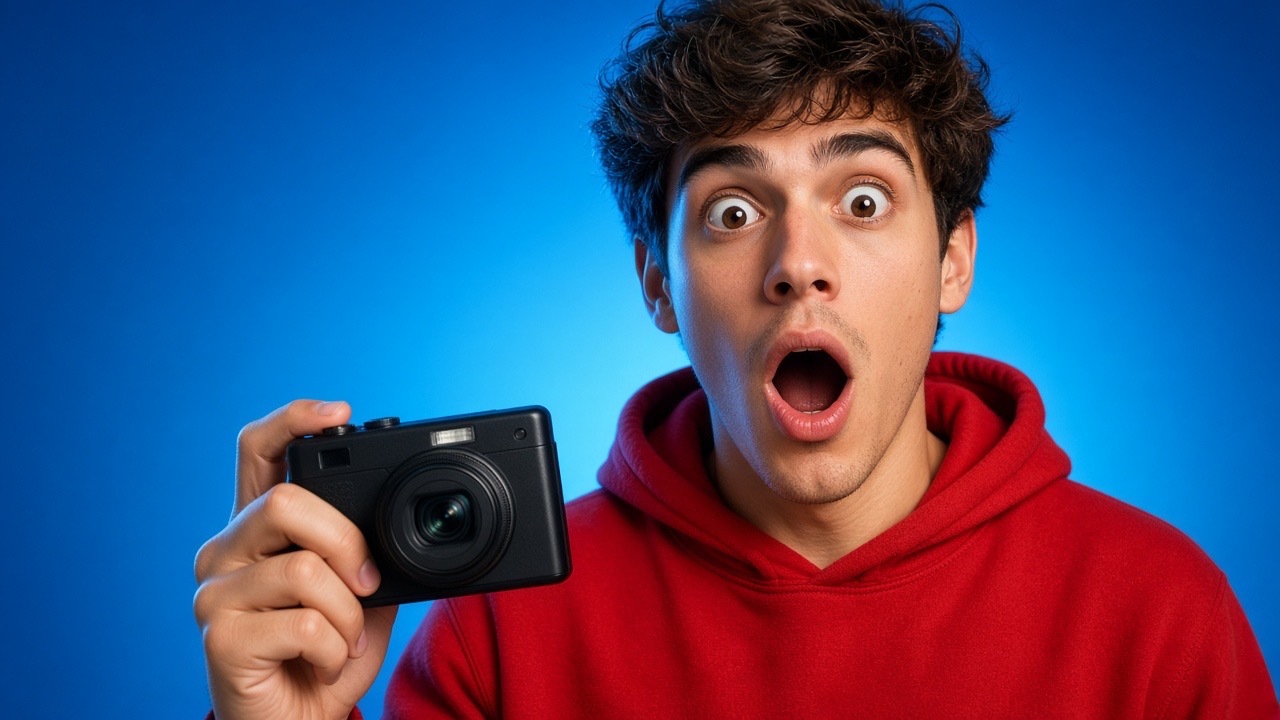
I tested a $50 camera for a week
Your channel
Phone feed: "$50 CAMERA?!" reads clearly
Up next: only "$50" is readable
How it works
From a first draft to the thumbnail on YouTube
Judge it where it will actually be seen, not zoomed in on your editing screen.
Pick what it's for
One of your uploads (private, unlisted and scheduled ones too), a saved idea, or just a title you're working on.
Add a thumbnail
Upload your own, or have the AI write three ideas from the title and draw the one you like.
Check it at real size
Switch between phone feed, desktop home and "Up next", in light or dark mode, and see which words the AI can still read.
Put it to use
Set it as the video's thumbnail on YouTube in one click, start an A/B test with it, or download it.
Built for the feed
Everything between a draft and the thumbnail viewers click
The checks are our own reading of the picture, not YouTube data, and we don't predict click-through rate. The real answer comes from testing it.
Real-size previews
Phone home feed, desktop home grid and the "Up next" sidebar, among plain grey stand-in cards, so you judge your thumbnail on its own.
Light and contrast
Warns when a picture is very dark and sinks into dark mode, looks washed out, or is so flat the subject won't stand out when small.
Readable when small?
The AI reads it at full size, phone size and "Up next" size, tells you which words survive, how busy it is, where the eye lands first, and up to three fixes.
New versions with AI
Keep your subject and framing and change one thing: background, brightness, bolder colours, a closer crop or more contrast, plus your own note.
Drawings that show you
Add one photo of yourself and new thumbnails can show you instead of a stranger. It's private to your channel, and you can draw without it any time.
Set it or test it
Change the thumbnail on YouTube right away, or hand it to A/B Testing to find out which version really gets more clicks.
Real-size previews
See it where viewers decide
Most viewers meet your thumbnail a few hundred pixels wide, between other videos. Thumbnail Studio puts it there before you publish, so you judge it the way they will.
- Phone home feed, desktop home grid and the Up next sidebar
- Light and dark mode, one click apart
- Plain grey stand-ins around it, so nothing distracts from yours
- Works on private, unlisted and scheduled videos before they go live
Phone feed · Dark
I tested a $50 camera for a week
Desktop home · Light
I tested a $50 camera for a week
Grey cards stand in for the other videos in the feed.
- "$50 CAMERA?!" reads clearly at phone size
- At Up next size only "$50" is readable
- The eye lands on the face first
Make "CAMERA?!" bigger, or let the circled camera say it.
Our reading of the picture, not YouTube data.
Readability check
Find out what still reads when it's small
Words that look huge in your editor can vanish on a phone. The AI reads your thumbnail at three sizes and tells you what survives.
- The words it could still read at each size
- How busy it is and where the eye lands first
- Up to three concrete fixes
- Warnings for very dark, washed-out or flat pictures
AI versions
Try a better version in seconds
Keep your subject and framing, change one thing, and compare them side by side. When one looks right, use it straight away.
- New background, brighter, bolder colours, a closer crop or more contrast
- Or three fresh ideas from your title, drawn with your own face
- Set it on YouTube in one click
- Or test it against your current thumbnail with A/B Testing
Your thumbnail
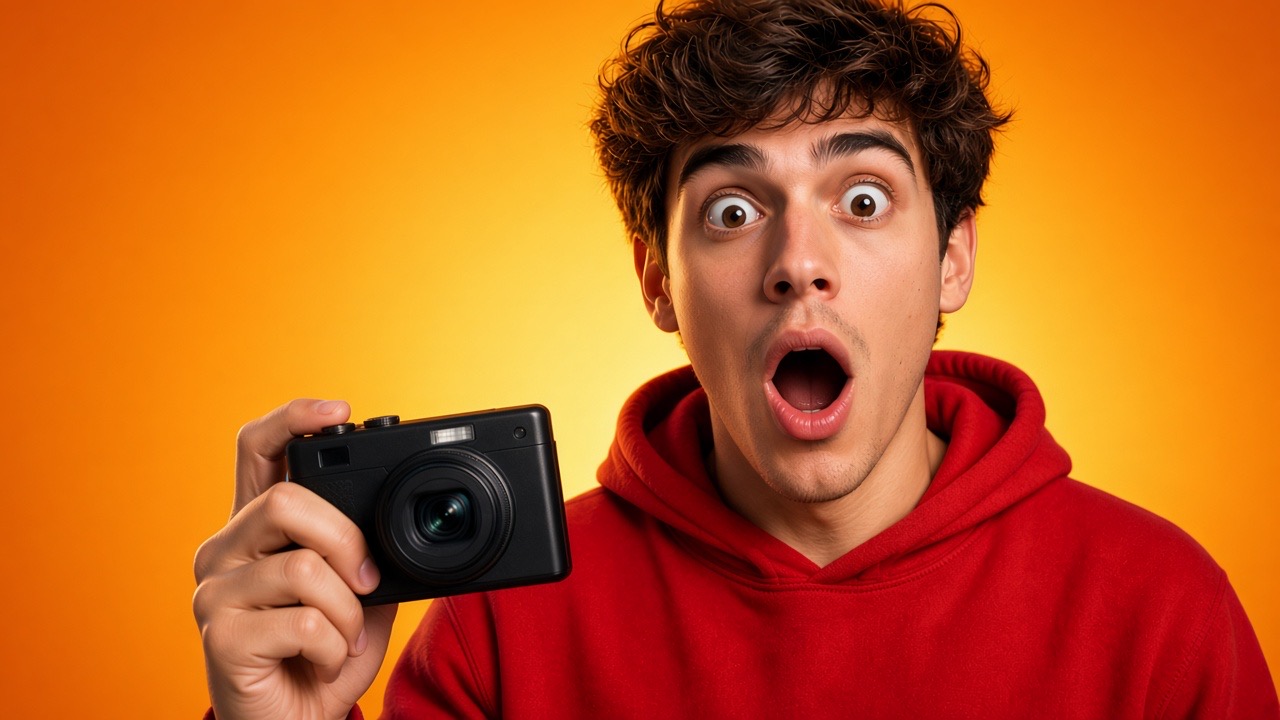
New background
Brighter
Bolder colours
Why EnhanceTube
Squinting at a full-size export vs. checking it where it's seen
Most thumbnails are judged at full screen in an editor. Viewers decide at a few hundred pixels wide, next to other videos.
Use cases
Catch the problems before your viewers scroll past
Most fixes are small: bigger words, fewer of them, more contrast. The hard part is seeing them in time.
Before you publish
Check the thumbnail of a private or scheduled video at feed size while there's still time to fix it.
Refresh an older video
Make a new version of a thumbnail that isn't pulling its weight, then test it against the current one.
Start from just a title
No design yet? Get three ideas for what the picture could show and draw the one that fits.
Test, don't guess
Send your best two versions to A/B Testing and let real viewers pick the winner.
FAQs
Questions, answered
Everything you might want to know before checking your first thumbnail.
Does it predict my click-through rate?
No. The checks are our own reading of the picture: size, light, contrast and what still reads when small. The only reliable way to know which thumbnail gets more clicks is to test it, which is one click away.
Does it change my thumbnail on YouTube by itself?
Never. Your thumbnail only changes when you press Set as thumbnail. It also can't be changed while an A/B test runs on that video, so the test stays fair.
What happens to my photo?
It's stored privately for your channel and only sent to the image model while Use my photo is ticked (it is by default once you add one). You can replace or delete it any time, and deleting removes it for good.
What does it cost?
Thumbnail Studio is part of Creator and Pro. Creator includes 100 AI thumbnails a month and Pro 500, and each also uses AI credits. Uploading, previews, the light and contrast notes and setting a thumbnail don't count. A readability check or a set of ideas uses a few AI credits.
Can it copy a famous person or another creator's thumbnail?
No. The AI never draws a real or famous person. Without your own photo, any person it draws is generic.
Want a deeper dive? Read the full guide.
Your next thumbnail, checked before anyone scrolls past it.
Connect your channel and see how your thumbnails really look in the feed.